Astro Blog Theme: Panda 🐼
git clone https://github.com/yuhangch/astro-theme-panda.gitKey Features
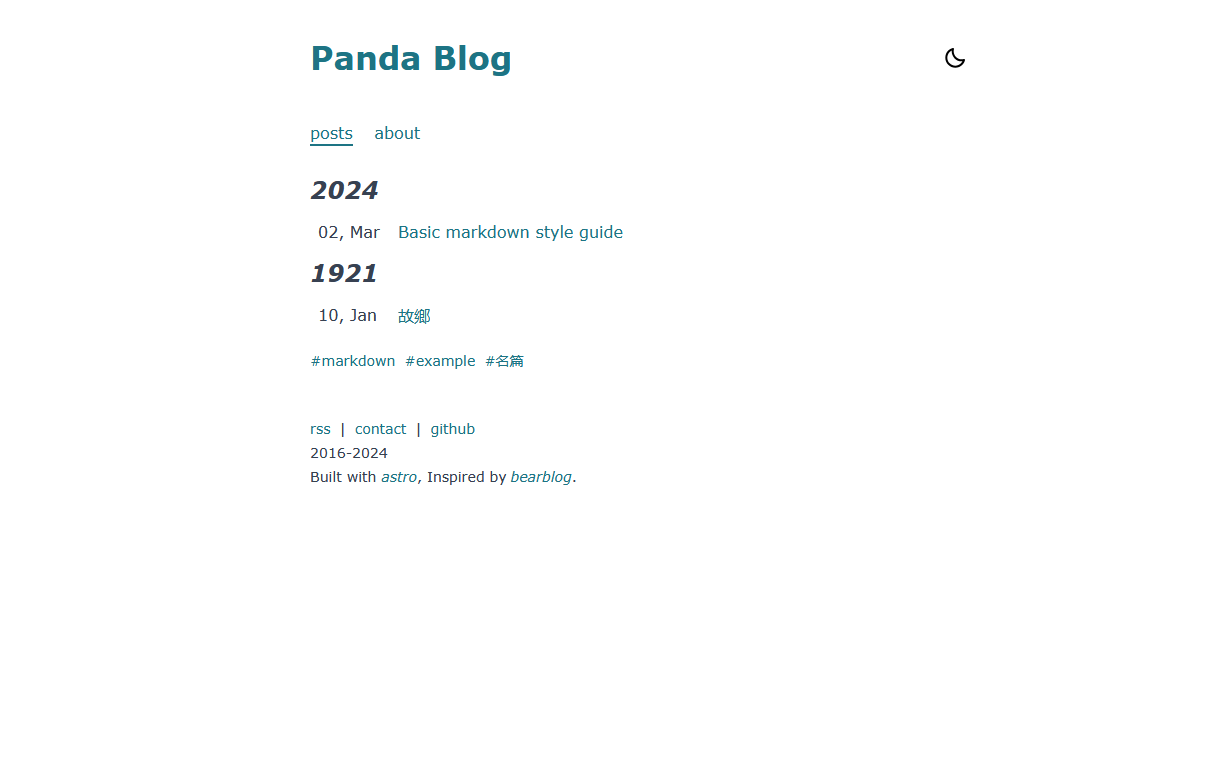
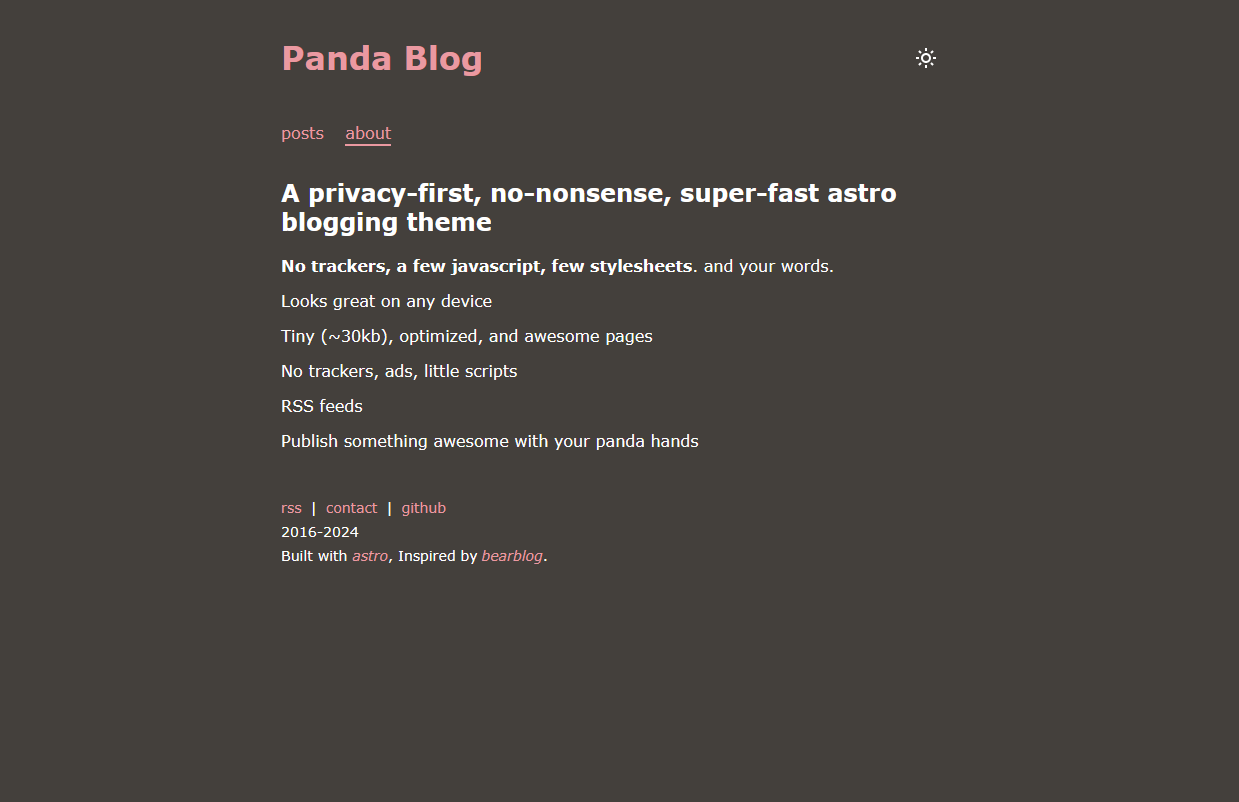
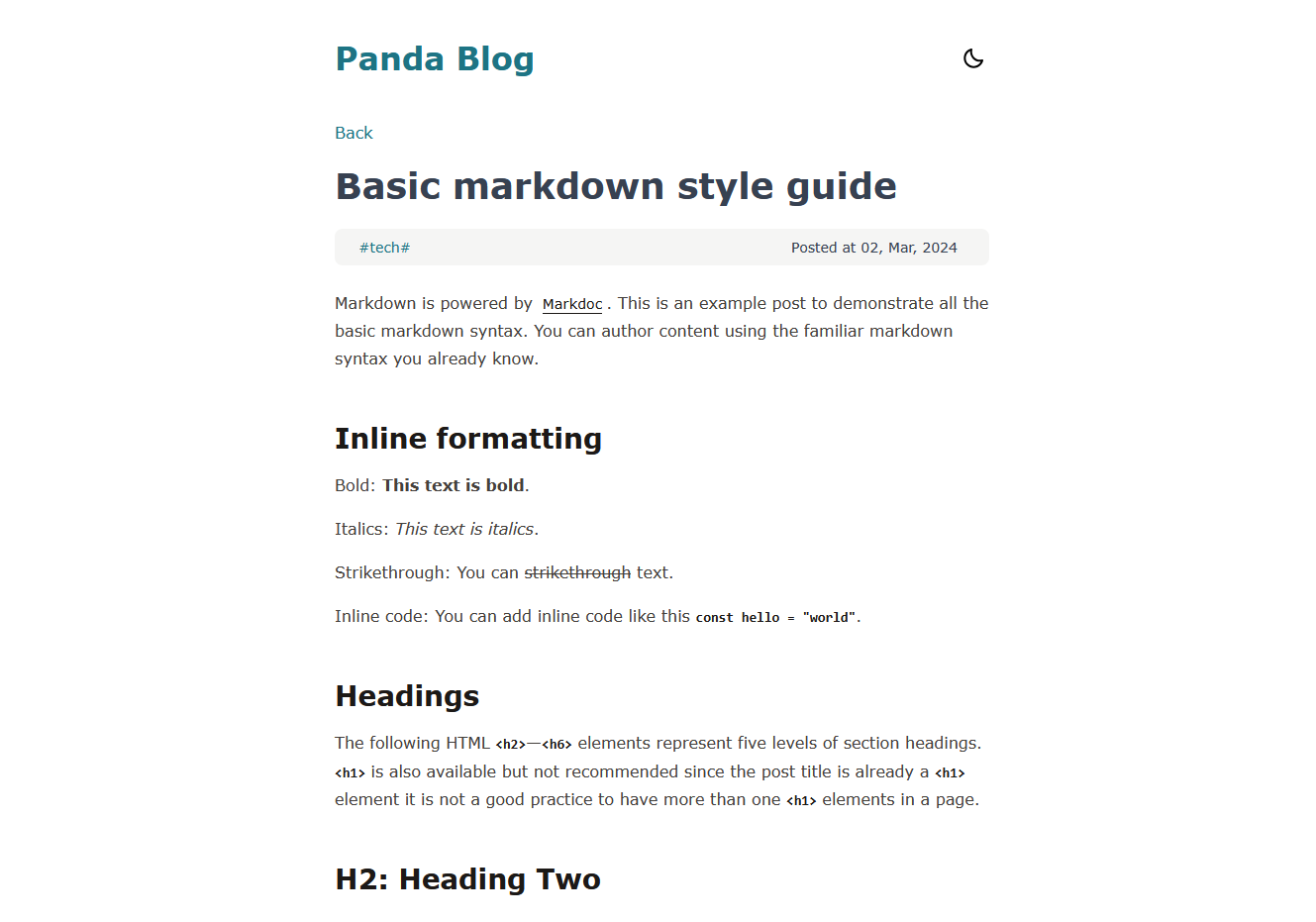
- Fast, tiny (~30kb), optimized, and awesome pages
Project Structure
Inside of panda🐼 project, you’ll focus on these folders and files:
/
├── public/
├── src/
│   └── content/
│       └── posts/
│   └── config.js
└── astro.config.mjs
In config.js, navigate to PandaConfig, you can customize your site for your own needs.
export const PandaConfig = {
    title: 'Panda Blog',
    description: 'Panda Blog, a blog powered by Astro',
    start: '2016',
    site: 'https://astro-theme-panda.vercel.app/',
    defaultLocale: 'en',
    navbar: [
        // {title: 'Posts', url: '/'}, // auto generated
        {title: 'about', url: '/about/'},
    ],
    footer:[
        {title: 'rss', url: '/rss/'},
        {title: 'contact', url: 'https://github.com/yuhangch/astro-theme-panda/issues/new'},
        {title: 'github', url: 'https://github.com/yuhangch/astro-theme-panda'},
    ]
}
More customization
Add a new post
- Create a new markdown file in
src/content/posts/folder - Add the following frontmatter to the top of the file:
---
description: "Your description here"
pubDate: "2024-03-02"
tags: ['markdown','example']
categories: ['tech']
---- Write your content below the frontmatter
Add a new page
- Create a new folder in
src/content/folder - Add an
index.mdfile in the new folder - Write your content in the
index.mdfile - Create
your-page-name.astroinsrc/pages/folder - Reference the
src/content/about/about.mdandsrc/pages/about.astrofor more details.
Customize the theme
- Update the
src/styles/index.cssfile to customize the theme - Set
--color-primary-mainand--color-secondary-mainin:rootand:root.darkto change the theme colors.
Simple language support
- Set defaultLocale in
astro.config.mjs (PandaConfig)to the language you want to use. - If you need lang not
zhoren, you need to add the language file insrc/content/lang/folder. - Reference the
src/locates/en.ymlandsrc/utils/locale.tsfor more details.
Commands
All commands are run from the root of the project, from a terminal:
| Command | Action |
|---|---|
npm install | Installs dependencies |
npm run dev | Starts local dev server at localhost:4321 |
npm run build | Build your production site to ./dist/ |
npm run preview | Preview your build locally, before deploying |
npm run astro ... | Run CLI commands like astro add, astro check |
npm run astro -- --help | Get help using the Astro CLI |
Roadmap
- The real i18n support.